How to Use Draftly to Build Websites for Regional Language Publishers in India
Regional language publishers in India face unique challenges, from catering to diverse linguistic audiences to ensuring fast-loading websites for rural internet users. With over 500 million Indians accessing the internet in regional languages, the demand for localized content is massive. Here's how you can use Draftly's AI capabilities to build visually stunning, multilingual websites tailored for regional audiences.
Why Choose Draftly for Regional Language Websites?
Draftly is an AI-powered 3D website builder that simplifies the process of creating customized, multilingual websites. It eliminates the need for coding and design expertise, making it ideal for regional language publishers looking to expand their reach.
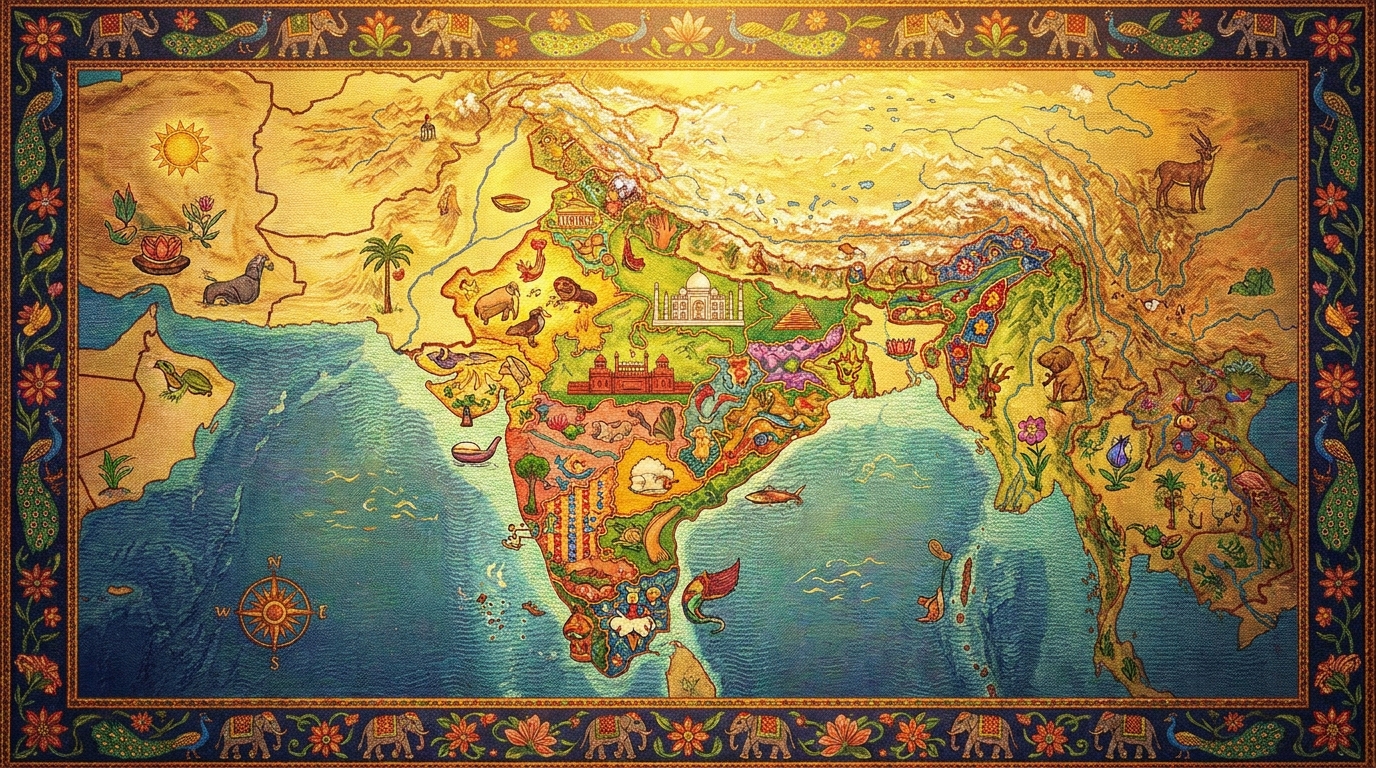
!how to use draftly to build websites for regional language publishers in india, india
- Localized Content: Draftly supports multiple Indian languages, including Hindi, Tamil, Telugu, Marathi, and Bengali.
- Responsive Design: Automatically optimizes your website for mobile devices, crucial in a country where 80% of internet users access the web via smartphones.
- Fast Loading Speed: The platform is optimized to perform well even on slower internet connections, a common concern in rural areas.
Step-by-Step Guide to Building a Regional Language Website with Draftly
Here's a practical, step-by-step guide to get your regional language website up and running in no time.
1. Start with a Clear Vision
Before diving into Draftly, outline the core purpose of your website. Are you looking to publish news, blogs, or literary works in a regional language? Define your audience and content types.- Identify your target language(s) and audience demographics.
- Plan your site structure, including categories like "News," "Editorials," and "Events."
- Decide if you want a single-language site or a multilingual one.
2. Generate Your Website in Minutes
Once your plan is ready, use Draftly's AI prompt to generate a base website.- Log in to your Draftly account.
- Use the AI prompt to describe your website: e.g., "A Marathi news portal with sections for politics, sports, and culture."
- Let Draftly create a fully structured website, complete with regional language fonts and layouts.
3. Add Regional Language Content
Draftly supports native typing and uploading for multiple Indian languages. Here's how to add your content:- Use Draftly's rich text blocks to type directly in your chosen language.
- Upload pre-written content in formats like `.docx` or `.txt`.
- Enable multilingual features by setting up a Hindi-English bilingual site.
4. Customize Fonts and Colors
Regional audiences often prefer culturally resonant visuals. To enhance user experience:- Choose region-specific fonts (e.g., "Mukta" for Hindi or "Latha" for Tamil).
- Use brand colors that align with your theme. Learn how to customize fonts and colors in Draftly.
5. Optimize for Local SEO
For better visibility on search engines, configure your site's SEO settings:- Use hreflang tags for multilingual pages (learn more here).
- Add structured data to improve your chances of appearing in local search results.
- Optimize images using WebP format to ensure faster loading speeds, especially for rural connections.
Advanced Tips for Regional Publishers
Take your website to the next level with these advanced features:
- Scroll Animations: Use Draftly's scroll-triggered animations to showcase trending stories in a visually engaging way.
- Interactive Quizzes: Add quizzes to engage readers and collect data on interests.
- Video Backgrounds: Use AI-generated video backgrounds to make your homepage more dynamic.